Hum to MIDI
The melody in your head, as notes in seconds.
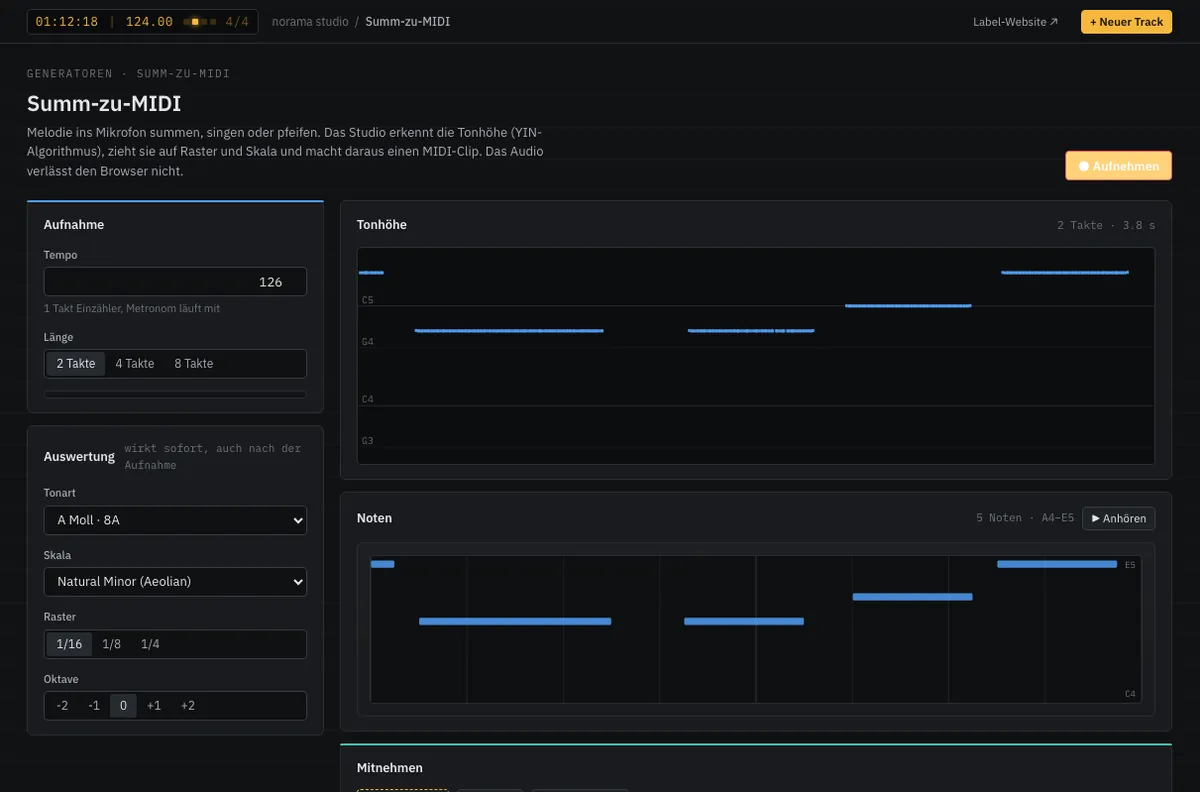
Hum to MIDI listens while you hum, sing or whistle. Pitch is tracked continuously, snapped to grid and scale and turned into a MIDI clip. Grid, scale and octave can still be changed after recording. The audio never leaves your computer.
MIDIPrototype in the studio
Give it a hum How it works
- 01
Count in
Metronome and count-in, length 2, 4 or 8 bars.
- 02
Hum
The detected pitch follows you live.
- 03
Take the notes
Adjust grid and scale, take it into the DAW as MIDI.
Give it a hum
Allow the microphone and hum a note. Nothing is recorded or sent.
— · — Hz
Green: detected pitch. Red: snapped to semitones — that is how the notes are made. Processing happens in your browser only.
Features
- Pitch detection based on the YIN method
- Quantised to 1/8, 1/16 or triplets
- Snaps to any scale — wrong notes get corrected
- Audio stays in the browser
- Key detection from the hummed notes
- Quantize strength and transpose
Specifications
- Range
- 70–1000 Hz (humming to whistling)
- Length
- 2, 4 or 8 bars
- Input
- Built-in microphone is enough
From the studio